
Every piece, from wet clay to the final firing.

[Download] [Free] [Pro] [About] [Release Notes] [Terms of Use] [Privacy Policy]



PinchPot is a ceramics journal built for potters. Log every piece from wet clay to the final firing: photos, clay bodies, glazes, cone, techniques, and notes. Track kiln loads and firing outcomes, keep your materials library organized, and watch each piece move through every stage of the process, all synced across your devices with iCloud.
Logging is free. Unlimited pieces, unlimited photos, no caps, no trial clock. PinchPot Pro adds the studio tools on top: reminders, Glaze Lab, Insights, widgets, the kiln timer on your Lock Screen, the Watch app, App Icons, and more.
PinchPot Pro is an auto-renewing subscription, available monthly or yearly. Payment is charged to your Apple Account at confirmation of purchase. The subscription renews automatically unless cancelled at least 24 hours before the end of the current period. Manage or cancel anytime in your Apple Account settings.
A journal that follows every piece you make, from the first cut of clay to the final firing.
Log the clay body, notes, techniques, and voice memos as you work.
Greenware counts down to bone dry, so you know when it's ready.
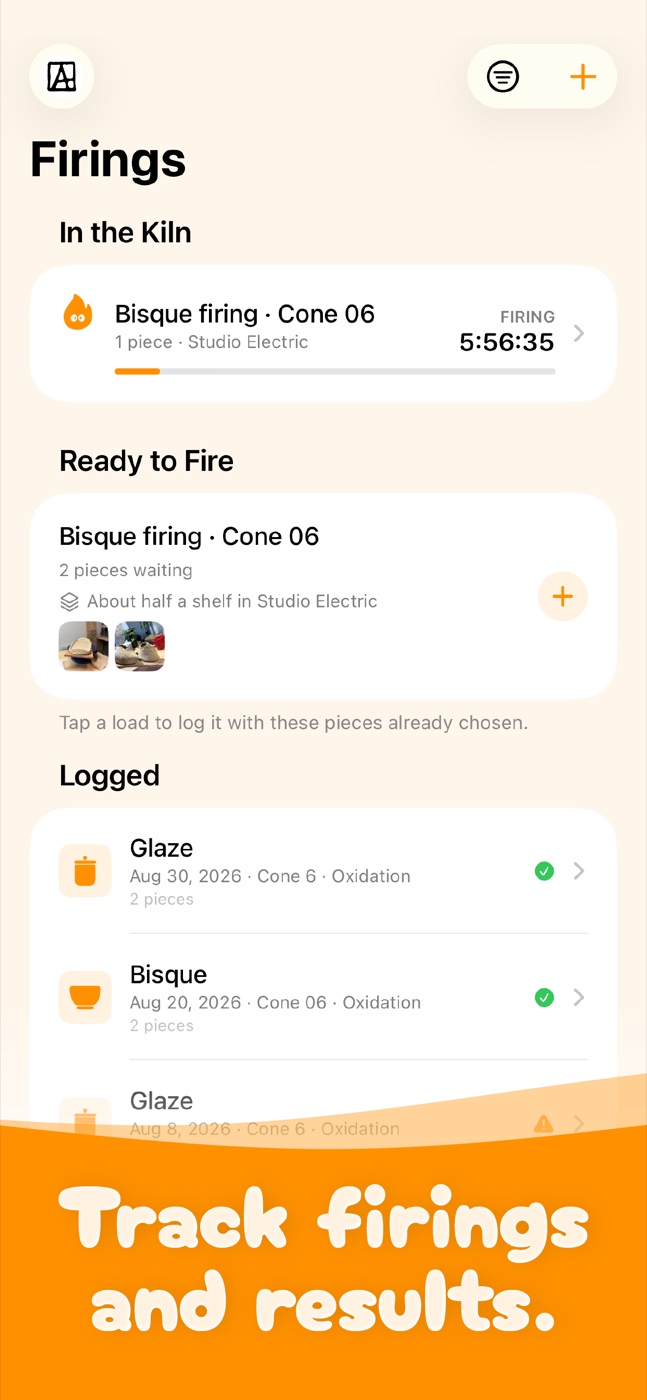
Ready to Fire groups waiting pieces by cone and fills in the kiln load for you.
Keep your glazes in a materials library, with recipes linked to the test tiles that tried them.
Log every firing and kiln load: cone, atmosphere, schedule, and how each piece came out.
From the first pinch to the final firing, it's all in your journal.
The icons are new, and they look around. Your studio friends, the Kiln God, the Journal, the Bag o' Clay, the Mug, the Test Tile and the rest, one meaning each, across the app, the widgets and your watch. They blink, look around and doze off. Prefer Apple's symbols? Profile, Appearance, Icons switches back.
Made for iPhone Duo: PinchPot fills both displays, and keeps your place when you unfold it.
Also new:
iOS 27 support and some new features:
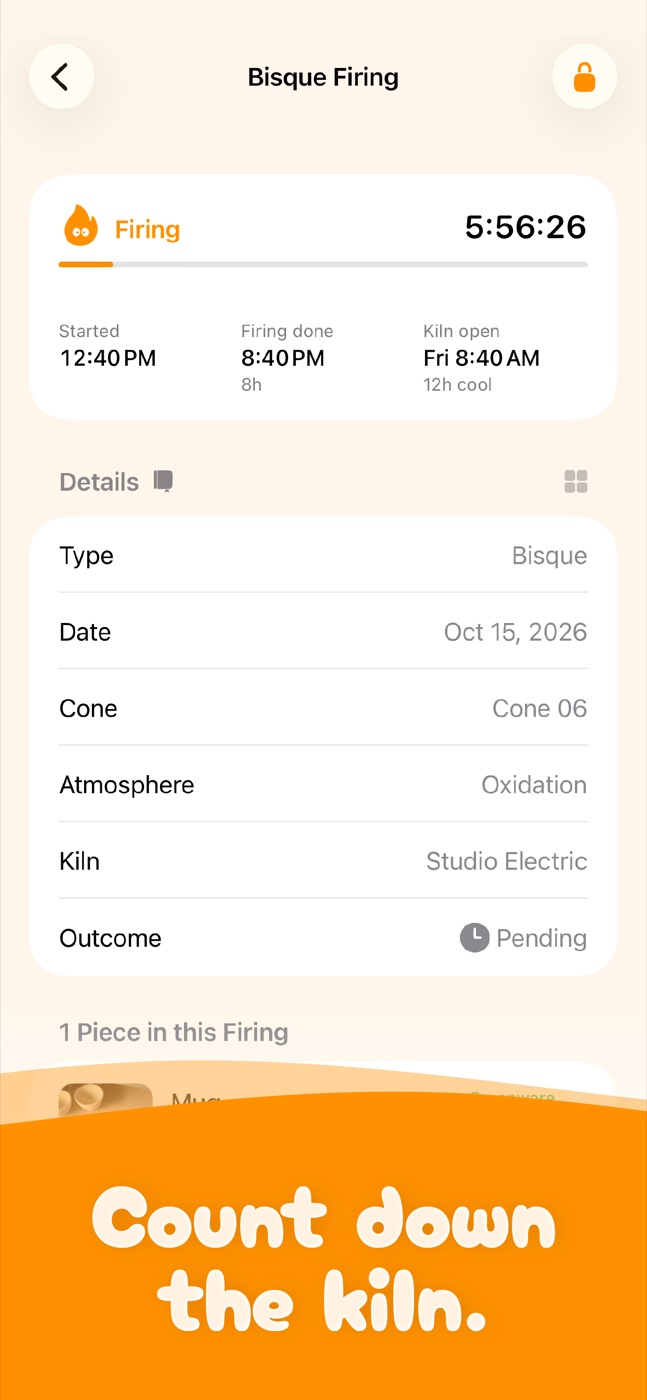
The kiln timer. Set the firing length and cool-down on a kiln load and PinchPot counts down in Firings. With Pro, a Live Activity keeps the countdown on your Lock Screen and tells you when the kiln can be opened.
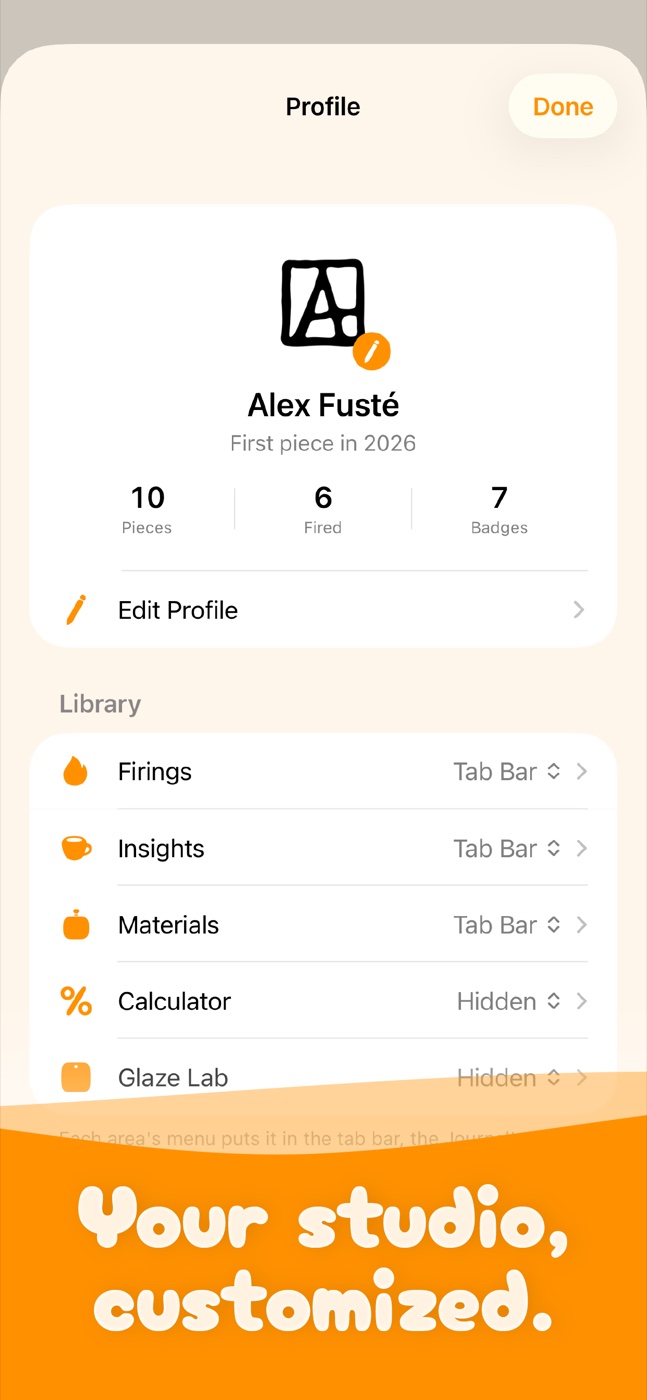
A tab bar on iPhone gives Journal, Firings, Materials and Insights each a home, with Profile one tap away from every tab. With Pro, choose where Firings, Materials, Glaze Lab, Insights and the Calculator live: the tab bar, the toolbar, or hidden.
Also new:
Logging is free and unlimited.
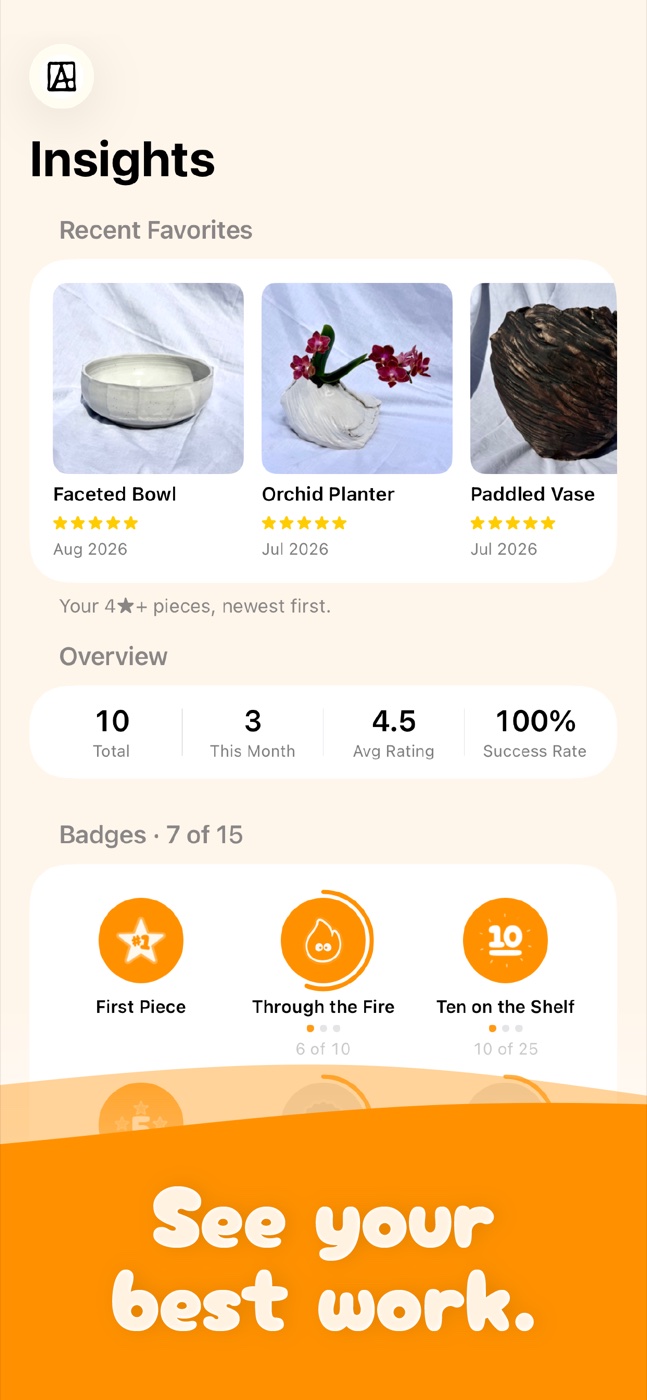
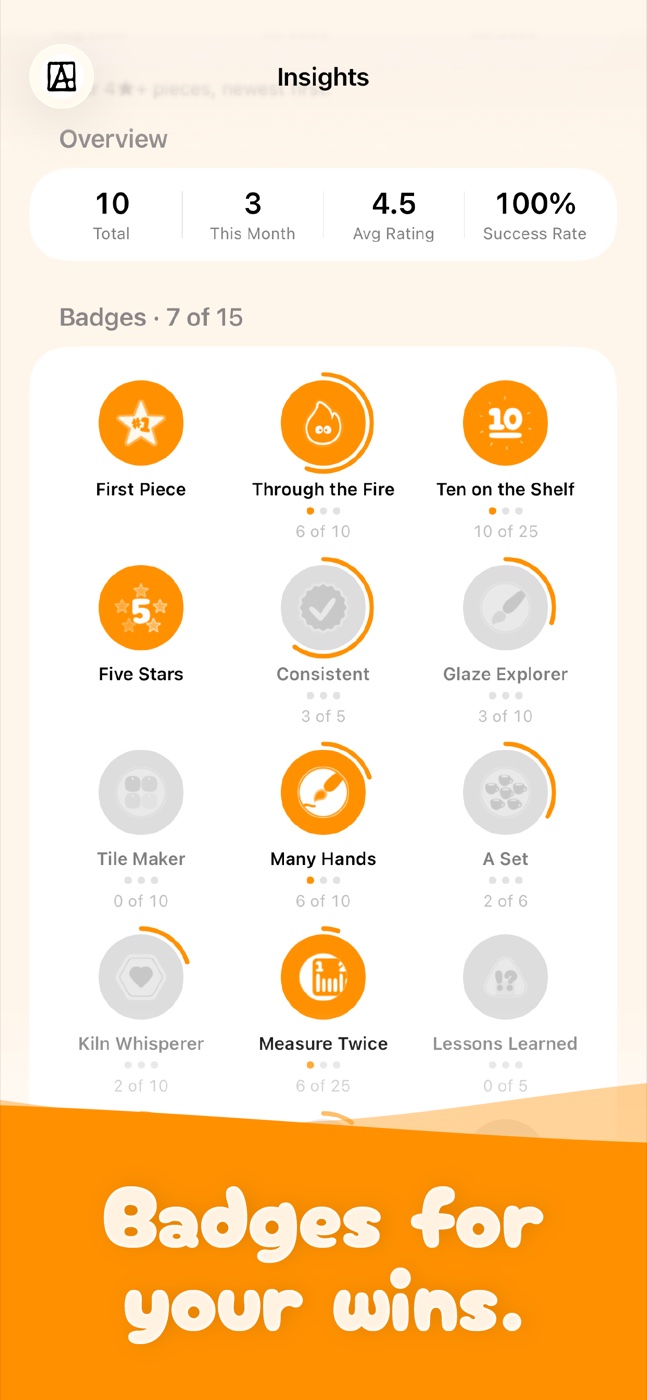
PinchPot Pro now includes: piece reminders, Glaze Lab (browse every glaze combination you've tried), a fully customizable menu, Insights, home-screen widgets, an Apple Watch app, Recently Deleted, journal export, a firing fee calculator, and your choice of default view.
Plus Siri Shortcuts, a guided first-launch setup, multi-kiln firings, separate bisque/glaze cone tracking, voice memos, camera-roll auto-save, and a redesigned, more accessible interface throughout.
True Black Dark Mode is now free for everyone. No subscription needed for that pure-black, easy-on-the-eyes look in a dim studio.
This update also brings a full accessibility pass: VoiceOver now reads your pieces, ratings, and stats clearly instead of a jumble of icons and separators; the app respects Reduce Motion; and every screen (Journal, Firings, Materials, Insights) holds up properly at larger text sizes.
Plus some polish: filtering your Journal to zero results now tells you what happened (and gets you back), firing sessions edit in place instead of opening a separate form, and various small layout fixes throughout.
iCloud sync indicator.
Title is now directly editable. Credit to Chaz for that idea!
PinchPot now works with Siri Shortcuts. Now you can ask Siri to log a piece, record a firing, or check what's in the kiln without touching your phone.
Also in this update:
Apple Watch support is here! See your Recent pieces and what's still In Progress right on your wrist, synced live from your phone.
Also in this update:
We are excited to launch PinchPot!